christopherhord

Archive for the ‘Technology’ Category

Welcome Back to My Blog!

In Blog, General, Media, Music, Social Networking, Society, Technology on July 23, 2023 at 3:57 pm

Thanks for reading! I’m excited to be back blogging again, and I’ve been busy working on new projects that I can’t wait to share with you.

What to Expect
This blog caters to those who produce digital content, such as social media, websites, blogs, audio, and video. Additionally, tech enthusiasts and anyone interested in exploring new software and gadgets will find plenty of intriguing content here.

Upcoming Projects
Creativity:
Explore software, hardware, and other creative tools to enhance your digital media projects. We’ll also discuss theories and concepts of creativity, applying them to our workflows.
Marketing: Self-promotion can be challenging, but we’ll delve into effective strategies for sharing your work and ideas with others.
Tech Tips: Discover hidden features and time-saving tricks in various tools and software, presented in easy-to-follow tips and occasional full-blown reviews.
Accessibility: Emphasizing the importance of making content accessible to everyone, ensuring your vision reaches a broader audience.

My Projects
I’ve released several music projects and am now actively promoting them. Additionally, I’m excited about upcoming ventures, including a Lovecraftian-themed opera – my most ambitious work to date. I’ll share insights into the tools and technology driving these projects.

Join the Conversation!
I value your input and ideas. Please leave a comment with your questions or suggestions. If you know someone who’d enjoy these topics, share this blog with them. Let’s make this space as useful as possible to as many people as we can.

Thank you for being a part of this journey!
A modest music marketing adventure

In Arts, Internet, Marketing, Media, Music, Social Networking, Society, Technology on December 22, 2012 at 4:03 pm

I’m currently promoting a Christmas-themed song that I’m selling for charity. I’ve primarily been marketing it through social media, instead of a more formal website/press release approach, but I did want to share the information here, because it may also be helpful to you, if you are interested in marketing through social media too, or recording and releasing your own digital music.

Made It Through Christmas Again

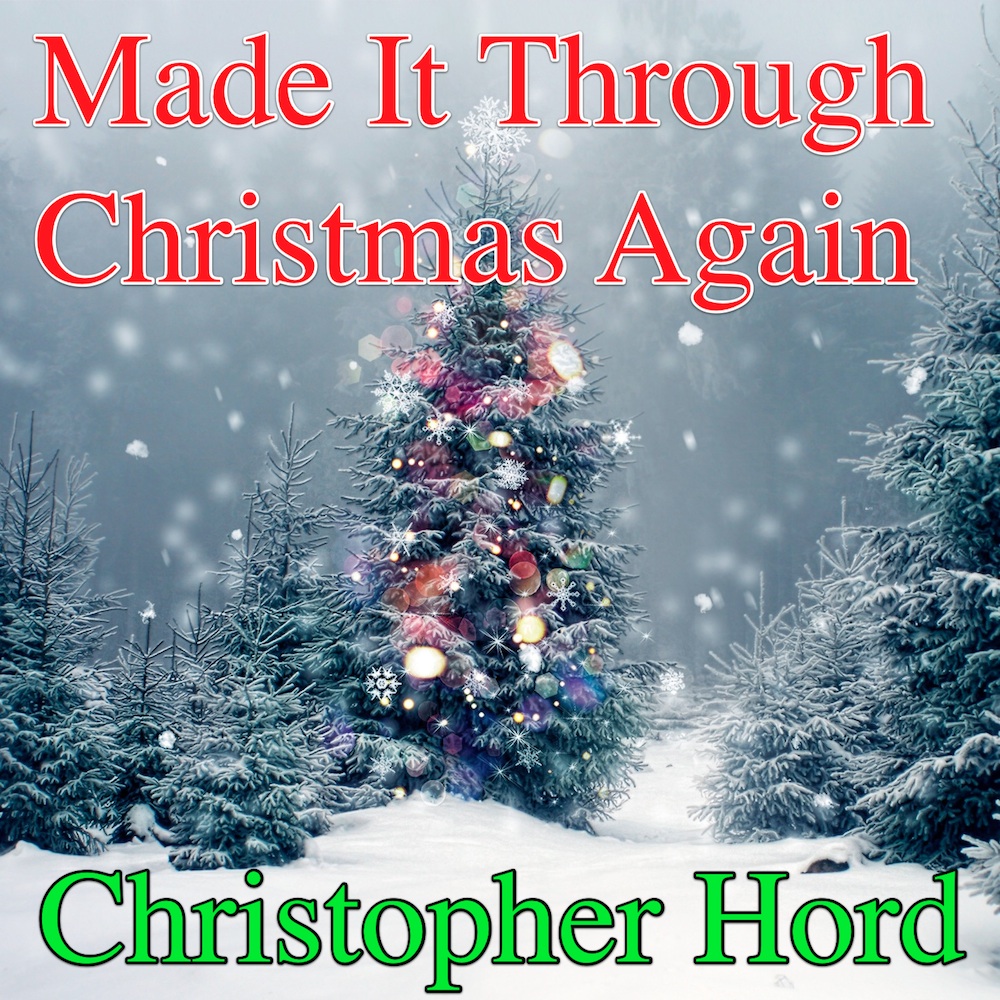
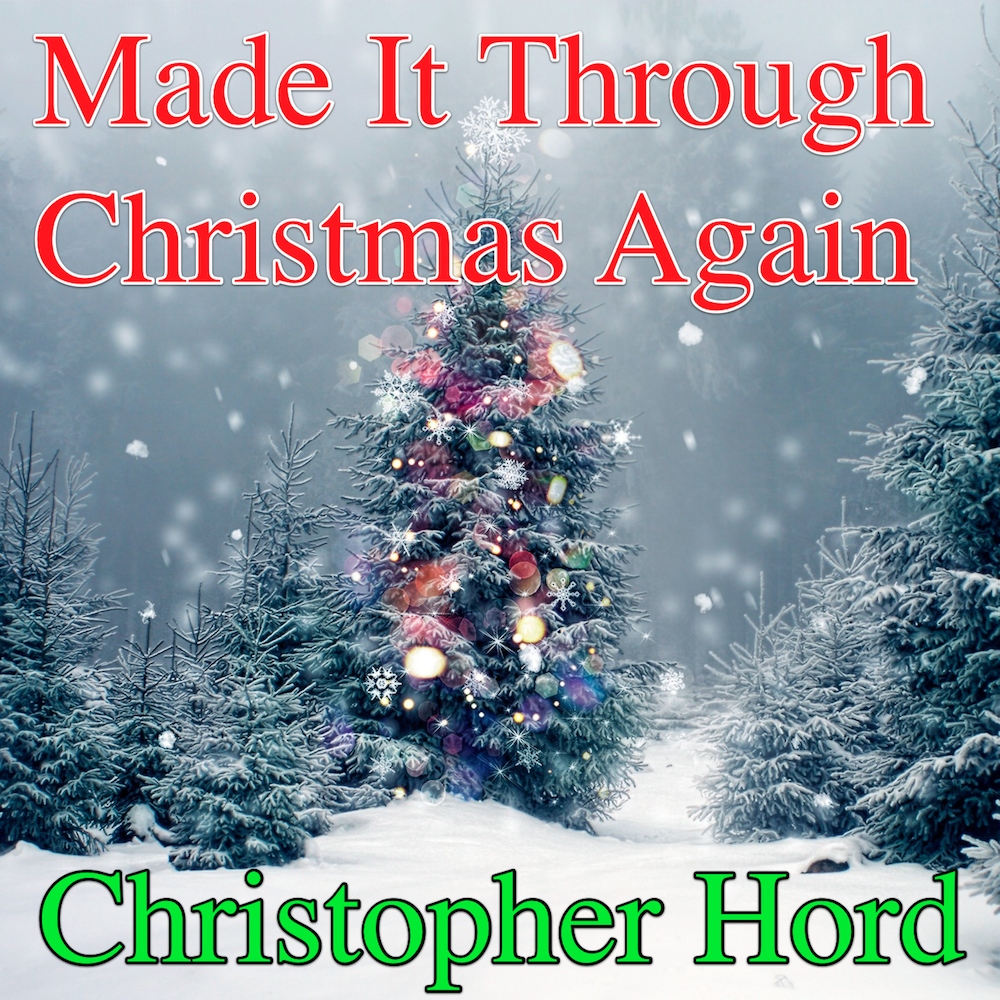
“Made It Through Christmas Again” cover art

The song is called “Made It Through Christmas Again” and it’s a somewhat s

ardonic take on the stresses that come with the holidays. I first wrote the song around the holidays in 2010, and largely forgot about it ’til the next year’s holidays. I was writing some ebooks

on Garage Band for iPhone and iPad and, while I was setting up musical arrangements, to make screenshots, it occurred to me that I could kill two birds with one stone, by de

moing the song. The demo came out so well, I decided to release it. To spur myself to get it done, I decided to donate all my profits to the Make A Wish Foundation.

That’s where things got complex. There are an array of music services pout the

re, which all have unique individual submissions procedures. It can be quite a web to find your way through. Many people choose to pay a service to handle all of that for them. I cho

se CD Baby, and so far, they have done a fine job. There are serious arguments for their main competitor, TuneCore, but I haven’t had a chance to try them yet.

I also created a Facebook page to promote the song. So that I could use that same page to promote more than just one project, I named it “the manhattan project,” which is

a catchall name I’ve used for years, as an umbrella for creative projects. I also used my Facebook page and personal Twitter and Google+ accounts.

Frequent posts are required to keep your topic fresh, in the impermanent world

of social media, and this quickly became stressful. To manage my social media presence

better, I turned to HootSuite, a web-based app just for managing your social m

edia brands.

There’s much more to the effort than this, of course. However, there’s two much to go into in one blog post. So here’s an overview of my recent activity, and I’ll be going into more detail about some of these applications and services, as well as analyzing my successes and failures. Please check the song out. You can listen for free at a variety of places, you can find mentioned on my Facebook page. If you like it, please consider buying a copy, and supporting a great cause. It’s available at most major music “e-railers.” The best choice is probably my CD Baby store.

Living with the Google Nexus 7

In Hardware, Reviews, Technology on September 2, 2012 at 3:23 pm

It’s official–I have been living with the Google Nexus 7 for about six weeks now, and I kinda love it.

I’m generally not huge about being on the cutting edge of a product. I’ve been an early adopter several times but, even when I move to a new technology, I rarely do it first thing. I’m happy to let producers shake a few bugs out of a product first. In fact, one need not look any further than the Nexus 7’s rival, the Kindle Fire, for an example. It sold very well early, and then dropped off in a marked lapse of enthusiasm.

My involvement with the Nexus 7 was quite circumstantial. A client offered to send me a loaner when the product came out so I could write a guide for them. They casually mentioned I could take the cost of the device as part of my pay, if I wanted to keep it. Thinking of the Kinde Fire, I hedged and told them I’d write the guide before I decided.

It quickly became clear I would keep the Nexus 7. My eventual ambition is to get an iPad–I like the larger screen, but I did quickly warm to the Nexus 7’s smaller, 7-inch form factor. It fits pretty well into a jacket or coat, my backpack, or even the back pockets of my jeans. I’d recommend you skip the $199 8 GB model and spring the extra $50 for the $249 16 GB. I use the model with 16 GB of storage and, trust me, by the time you add a lot of music and a few videos, you’ll start brushing up against an 8 GB limit pretty quickly.

A big part of my enjoyment of the new operating system, Jelly Bean. I’ve used a few generations of Android now and Jelly Bean strikes me as the most attractive, stable and intuitive version yet. I’ve used the device pretty steadily since I got it and have not had any serious issues with crashes yet.

Don’t misunderstand me, the iPad 3 is definitely the class of the tablet market, from what I’ve seen so far. But the Nexus 7 is a worthwhile challenger. And, if you don’t happen to have $600-$900 to spend on a tablet right now, this $249 model doesn’t feel like a compromise at all.

Nexus 7 Home screen

Nexus 7 Home screen

Life with iLife on the iPad

In General, Mac, Technology on June 9, 2012 at 12:25 pm

As mentioned in my previous post, some months back, I recently began using some of Apple’s app version of their iLife software suite. I was writing software guides based on GarageBand, iMovie and iPhoto, on both the iPhone and iPad.

iPad

New iPad arrives

While I’m not an iPhone user, I own an iPod touch, which is roughly equivalent and certainly filled my needs. The publisher was kind enough to furnish me with a loaner iPad 3, with 64 GB of storage — top of the line. Here’s the view as I excitedly began the unboxing.

I can certainly say that my time with the iPad has made me quite an adherent. I don’t know if I’ll actually purchase one. Most of what I do is writing and the iPad is, honestly, kind of terrible for that. I’d much rather have a generously-sized, tactile keyboard. But some of the media creation and editing tasks it can do are nothing short of awesome.

Now that I’ve had a chance to work with some of these apps, I have a few tips and tricks to share. So I plan to post a few to this blog in the hopes that they can help others, as they become familiar with these apps, on both the iPad and iPhone. Until then, if you’ve already got the apps, have fun!

GarageBand for iPad, and other apps

In Hardware, Music, Publishing, Technology, Uncategorized on March 30, 2012 at 12:21 pm

My newest gig is writing some beginner-level user guides for Apple’s recently updated GarageBand for iPad app. One of the nice things about this is the client wanted guides for all of Apple’s new iLife apps — GarageBand, iPhoto and iMovie — and wants one version of each for iPhone, and for iPad. Since I haven’t committed to getting an iPad yet, so they’re sending me a loaner for the project. I already have an iPod touch, so that can stand in nicely for the iPhone.

GarageBand icon

GarageBand for iPhone and iPad is quietly revolutionary

I’m already a GarageBand for iPhone user, on my touch, so I decided to start with that one. The more time I spend with that app, the more I become convinced it is truly one of the fines pieces of music software I’ve ever encountered. As both a musician and a programmer, I’m a little picky on this topic.

Don’t have time to go into a lot of detail about the app right now, but I am thinking it’s a topic some readers might enjoy. After I finish the main project, I should probably have some fresh material I can turn into a blog post. So, if you’re a current user of the app, or you’re just curious, keep an eye out for some detailed information in the near future.

Also on deck, some web development adventures with Joomla. That’s a project that has been a lot of fun, and I’m looking forward to sharing!

Project person

In Hardware, Technology on March 7, 2012 at 12:45 pm

The blog post title comes from a friend who, long before the temp/contractor economy took hold, identified that some people aren’t “job people.” Some people are “project people.” I look at my schedule and all the projects I have lined up, and I have to concede — I’m a project person.

One of my big goals for this year is to update the blog more frequently. It’s funny that a journalist, used to the daily grind of churning out stories, should find this such a challenge. But I’m so busy lining up and executing new projects that it’s actually hard to keep up with posting about them

Currently finishing up two manuscripts for hire, a beginner’s guide to using Android smartphones. The manuscript required me to strongly familiarize myself with the Android OS, popular apps and hardware. The first book went to the client two weeks ago — I hope to have the next one done by Monday.

Android operating system logo

Android -- flawed, fractious and free

Look for some interesting information here for Android phone users. I’ve got way more research on the topic than I can fit in these slim volumes, so I’m happy to share some here. We’ll explore how to hack your Android smartphone, if you want to upgrade your operating system to Google’s shiny, new Android 4 OS (a.k.a. Ice Cream Sandwich). It’s a risky procedure, but it’s a lot safer and easier than it was not too long ago.

My other main concern is with syncing data to your Android smartphone from other computers. I already use a desktop computer, a laptop and an iPod Touch so, obviously, the Android has to fit in with my already-existing workflow. In this space, we’ll talk about some of the apps I’ve tried. Hopefully, this may save you time if you are looking to get a new Android phone, or make your Android use more efficient.

Thanks, as always, for reading. And watch this space!

A new resolution for a new year

In Arts, General, Media, Music, Programming, Publishing, Technology, Uncategorized on January 22, 2012 at 8:01 pm

Made It Through Christmas Again

My Christmas song launched in december

Part of my resolution is simply to blog more, of course, and this post starts that ball rolling easily enough. But there’s more than that — I need to exploit this blog a little more to promote some of my projects. I always feel a little self-conscious about promoting my projects but I’ve got enough interesting items going on right now that I want to start getting information out there.

I am currently working a contract with a Prominent Internet Retailer but I don’t think I can say much about that. Too bad, because the project was pretty ground-breaking in nature. I think I will ask around and see what I can reasonably discuss, but that’s for a future post.

Probably the most colorful item I’ve managed to accomplish recently is my Christmas song. In November, Applce made a version of their Garage Band for iPad for the iPhone and iPod touch. I was very excited by this news, because all the reviews I read had me convinced the app would be useful to me.

I’ll write more details in a future post but, suffice it to say, I love this app. Just while I was learning how to use the app, I was easily able to create a little demo of a Christmas song I had written during the holiday season, the year before. Thus, Made It Through Christmas Again was born. I used digital distributor CD Baby and the title went on sale at Amazon, iTunes and the like just before the holiday. All my profits are going to the Make A Wish Foundation.

I’m writing a couple of e-books and editing another. Also, possibly programming a couple of iPhone apps.

These are long term projects, so this is just an overview. There’ll be updates in the near future.

10 simple security tips for web users

In Internet, Society, Technology on July 19, 2011 at 7:33 pm

It seems like I’ve been seeing more friends with hacked accounts this year. I had breach earlier this year myself. I’ve been thinking about security more these days. As more of our lives go online, techniques that used to be sufficient aren’t any more.

People like top 10 lists so here are 10 easy steps to improve your security, Even adding one will sure help. They don’t all have to be done, or done at the same time, I hope you’ll read and I hope these help:

1.    Secure your e-mail. This is key. Your e-mail is what you will use to re-set your Security is importantpasswords — and get alerts — so this needs to be secure. Do not use the same combination of username and password for your e-mail that you use for anything else. Choose a strong password.
2.    Know what makes a password strong. Make it as long as practically possible. Combine uppercase and lowercase letters. Use numbers and special characters. Make every password as strong as you can make it. Use a password generator when you can.
3.    Use a password generator. There are several options turned up in a Google search. I don’t know how secure they are. I’m sure there are reputable versions of standalone programs or apps. I’ll have to look for something. You can certainly get one included in a larger suite, such as a password manager.
4.    Get a password manager. It doesn’t have to be difficult or time-consuming to set-up and at least one major option is free. I got my start at this Lifehacker article “Five Best Password Managers” (May 2, 2010). They highlighted five programs — KeePass (Windows/Mac/Linux/Mobile, Free), Roboform (Windows, Basic: Free/Pro: $29.95), LastPass (Windows/Mac/Linux/Mobile, Basic: Free/Premium: $1/month), SplashID (Windows/Mac/Mobile, Desktop: $19.95/Mobile:$9.95), 1Password (Mac OS X/iPhone, Desktop: $39.95/iPhone:$14.95). KeePass is open source, which matters a lot to some folks. LastPass may have been hacked, which is not good, but might make them even more vigilant. The main point is, it’s important to have help, if you’re going to have a lot of unique username/password combinations.
5.    Have as many unique username/password combinations as you can. It’s this simple — any username and password combination that is used in more than one location is much less secure. And each time you re-use that combination, it gets worse. This mixes well with the previous tip, obviously, but you can easily start this one at any moment you’re online. Think of anyplace you use the same username/password combination. This info will be important to fix soon. But for now you can get by with changing the logins that are really important to you.
Read the rest of this entry »

Will your Internet break on June 8th?

In General, Hardware, Internet, Society, Technology on June 7, 2011 at 9:27 pm

Tomorrow, June 8th, is World IPv6 Day and you’ll probably be able to connect to the Internet with no problems, but you may experience unusual or unexpected issues using the ‘net. Here’s what’s going on and why.

World IPv6 Day is June 8th

World IPv6 Day June 8th!

The “IPv6” we’re talking about here is a number which is assigned to any device — like a computer or printer — that uses the Internet. If you look up information from your network or Internet service provider (ISP), somewhere in that information, you’ve probably seen an address like “172.16.254.1”. That is your IP address (and that example shows the old format, an IPv4 address). This format provides enough variations to allow about 4,294,967,296 addresses (says Wikipedia).

The only problem is that the internet has become the victim of its own success. So many devices are connected to the Internet that those 4,294,967,296 addresses will be used up this year. Therefore, many website owners and network operators are switching to a new system called IPv6. Instead of the 32-bit binary number IPv4 , IPv6 will use a 128-bit number. You don’t have to be a math whiz to figure out this is going to make oodles of new addresses available (oodles, being the technical term).

Most Internet users will not notice a difference. Your home ISP or your office network is probably being updated to provide this functionality. In addition, only a handful of the Internet’s largest sites (such as Yahoo and Google) are rolling out IPv6 tomorrow (and they’ll still have regular IPv4 servers available). If you have a standalone device, such as a wireless, Internet-capable printer, you may have to download updates to the machine. If you run your own network servers, hopefully you’re already aware of this issue. If not, get more information from the Internet Society here.

If you’d like to test your connection, you can do so at this IPv6 test site.

My new 1 TB drive can has future, please?

In Society, Technology on March 7, 2011 at 9:15 pm

It still sits in its box — I’m that blase about it. The finest storage technology 2007 had to offer — my one terabyte drive. Target had a special — I could get the Seagate ST310005EXA101-RK (Just rolls of the tongue, doesn’t it?) for $60 bucks. It’s a clearance. I got my 1TB drive because it’s a little old hat now.

I admit it. I’m old. My earliest computers didn’t have a hard drive. You were limited to about 400 Kb on a floppy disk. It went to 800 Kb and we damn near lost our minds over that.

Seagate ST310005EXA101-RK hard drive

Welcome to the party, pal!

So, a terabyte is, on some fundamental level, fantastic and futuristic to me. To be able to get it for $60 at a Target clearance sale is, indeed, an indication we live in wondrous times.

More seriously, the new drive is meant to allow me to comfortably just set Time Machine up to do its thing. I run a backup every night, but I don’t even want to think about the process of backing up my desktop to an external drive anymore for a long time. Time Machine can handle that.

It’s also a test of sorts. The Seagate ST310005EXA101-RK honsetly doesn’t have stellar reviews. Some people complain about noise. Some people have had it die on them very quickly. I read questions about the quality of the electronic components. Still, with storage, it’s OK to fail upwards — it’s still probably the best drive I’ve ever had, and it has a one-year warranty.

So, expect an occasional updates on how this drive holds up. I had a bad experience on a low-end Western Digital. We’ll see how the Seagate compares.